
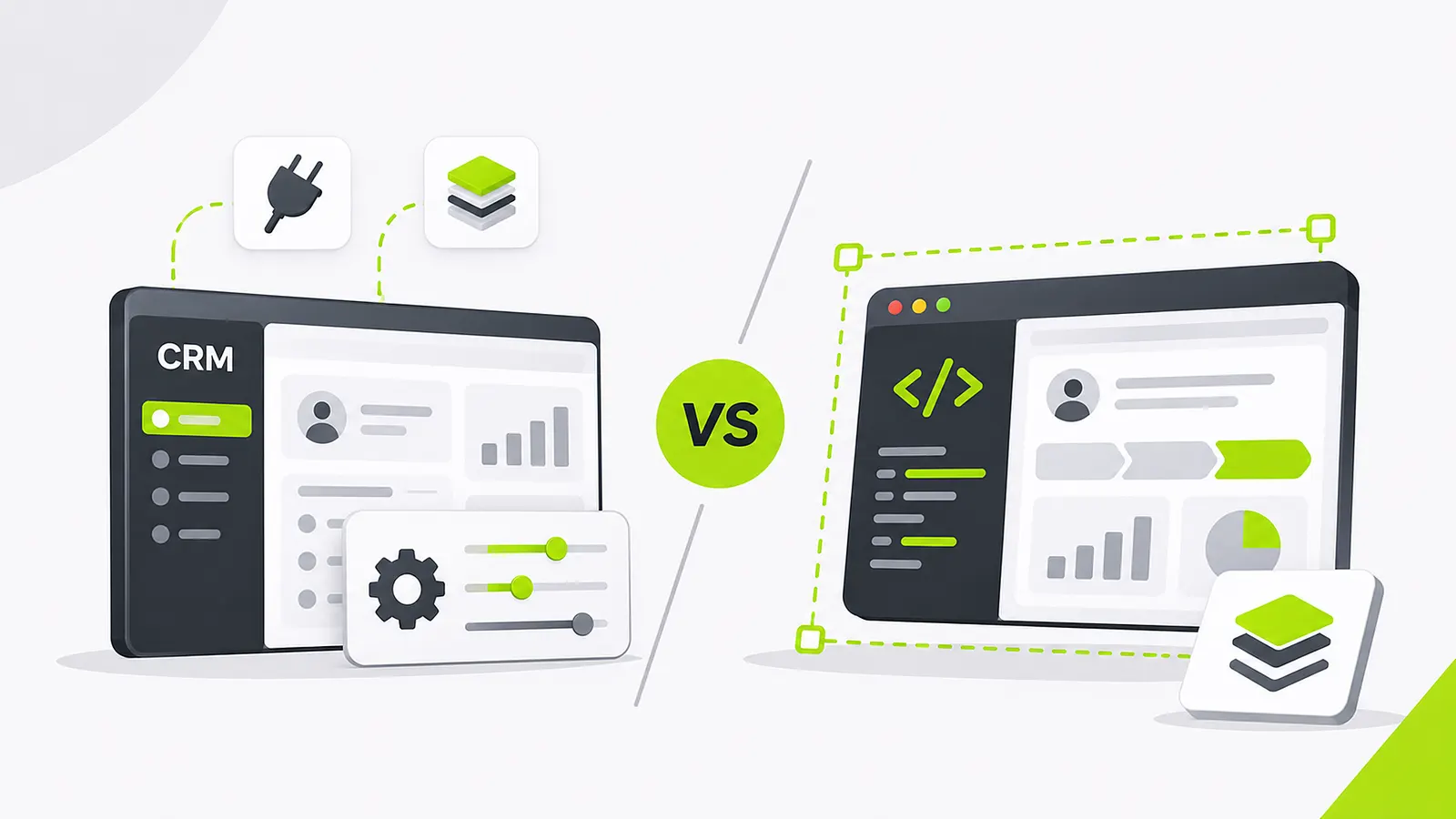
Your CRM works. The sales team knows it. Reports run every week. So why replace it? Usually the conversation starts with a recurring workaround: your process no longer fits the software.
Quick answer
Replace HubSpot or another established CRM only when major workflow limits, integration needs, data-control requirements, or total ownership economics outweigh the advantages of its mature ecosystem. A custom CRM is not automatically cheaper or better. It shifts product maintenance responsibility to you.
Start by respecting what you are buying
HubSpot, Salesforce, Pipedrive, Zoho CRM, and Close all bundle contacts, pipeline reporting, permissions, email tools, integrations, documentation, and updates. Rebuilding even a fraction of that takes more than a dashboard and a contact table. Put all necessary features on both sides of the comparison.
If the pain is a confusing screen or a missing automation, better HubSpot workflows, Operations Hub config, or a Zapier/Make bridge may solve it faster than a migration.
Identify reasons that can justify custom software
Custom CRM becomes interesting when the sales process is part of your advantage: unique quoting, complicated branch ownership, or automatic handoff into operations once a deal closes. Repeated workarounds or stacked add-ons can also push the case.
Data residency, permissions, branding, and deep integrations may matter. Be precise. What is impossible or unreasonably expensive today in HubSpot or Salesforce? A vague wish for flexibility is not enough.
| Signal | Usually try first | When custom / white-label enters |
|---|---|---|
| One missing automation | Workflows / Operations Hub / Zapier | Rarely justifies a rewrite |
| Deal close must create jobs, routes, deposits | Integrate CRM → ops tool | When objects and permissions cannot map cleanly |
| Stacked paid add-ons + dual entry | Consolidate on current CRM | When ownership economics still fail after cleanup |
| You sell branded CRM to clients | Partner / white-label program | Insicore-style foundation under your brand |
Building this for your team? Send Insiyon a short request · Compare HubSpot limits with Insicore
Compare total cost over three to five years
Include seats, premium features, integration tools, training, admin time, and workaround cost. HubSpot and Salesforce publish plan tiers publicly; treat those as inputs, not the whole TCO. On the custom side, include discovery, build, hosting, security, maintenance, enhancements, support, and future migrations. Add switching cost: downtime, retraining, reporting continuity, and data cleanup.
Do not assume a custom build has zero recurring cost. Software you own still needs people to maintain it. We do not invent competitor dollar quotes here; model your actual seat count and add-ons against a scoped build estimate.
- Missing automation
- Configure first
- Unique ops handoff
- Hybrid / custom
- Rebuild everything
- Last resort
Do not migrate for a screen tweak.
When deal close must trigger real operations.
Prove one workflow before replacing the CRM of record.
Bars show relative emphasis, not measured scores.
| Factor | Keep / configure HubSpot | Custom CRM |
|---|---|---|
| What you get day one | Mature CRM modules, ecosystem, docs, updates | Only what you design and ship |
| Best reason to stay | Pain is config, training, or one missing automation | Core process is your advantage and cannot fit cleanly |
| 3–5 year cost drivers | Seats, add-ons, admin time, workarounds | Build, hosting, security, maintenance, enhancements |
| Switching cost | Lower if you improve in place | Migration, retraining, reporting continuity, dual-run risk |
| Ongoing ownership | Vendor maintains platform; you own config | You own product reliability end to end |
Consider a hybrid path
You may leave HubSpot as the CRM and build a custom operations portal around it. Or use a configurable white-label foundation such as Insicore to launch a business-specific platform with less rebuild. Prove one workflow before replacing the entire customer record system.
How teams decide stay, hybrid, or leave
A Dallas field-service company loved HubSpot for pipeline, but closed-won still failed to create jobs, tech routes, or deposit schedules. They kept HubSpot for marketing and sales, then connected an operations portal instead of ripping out the CRM of record.
A Seattle B2B SaaS team had messy lifecycle stages and duplicate properties, not missing objects. Cleaning HubSpot workflows and Operations Hub automations fixed more than a custom CRM rewrite ever would have.
Decision rules before you leave HubSpot
Replace HubSpot only when objects, permissions, or operational handoffs cannot be represented cleanly after a serious configure/integrate attempt.
Decision tree: missing automation → configure; deal must create real ops → integrate or hybrid; ownership/branding for resale → white-label foundation; none of the above proven → do not migrate.
| Situation | Move | Exclude |
|---|---|---|
| Training or one workflow gap | Configure / Zapier / Make | Full CRM rewrite |
| Closed-won must trigger ops | Integrate HubSpot → ops tool | Rebuilding email + reporting first |
| You resell branded CRM | Insicore-style white-label | Affiliate-only thinking |
| No measured workaround cost | Baseline hours first | Migration for vibes |
How Insiyon evaluates HubSpot replacements
We ask for the three workarounds costing the most time or money. Then we try the smallest fix first: configuration, integration, Insicore white-label, or a bounded custom module. A full CRM rebuild is reserved for cases where ownership rules and operational handoffs cannot be represented cleanly in the current platform.
That keeps teams from paying twice: once for unused HubSpot complexity, and again for a custom system that recreates basics poorly.
Next step with Insiyon
List the three HubSpot limitations costing your team the most time or money. Insiyon can help evaluate configuration, integration, white-label, and custom-build options.