
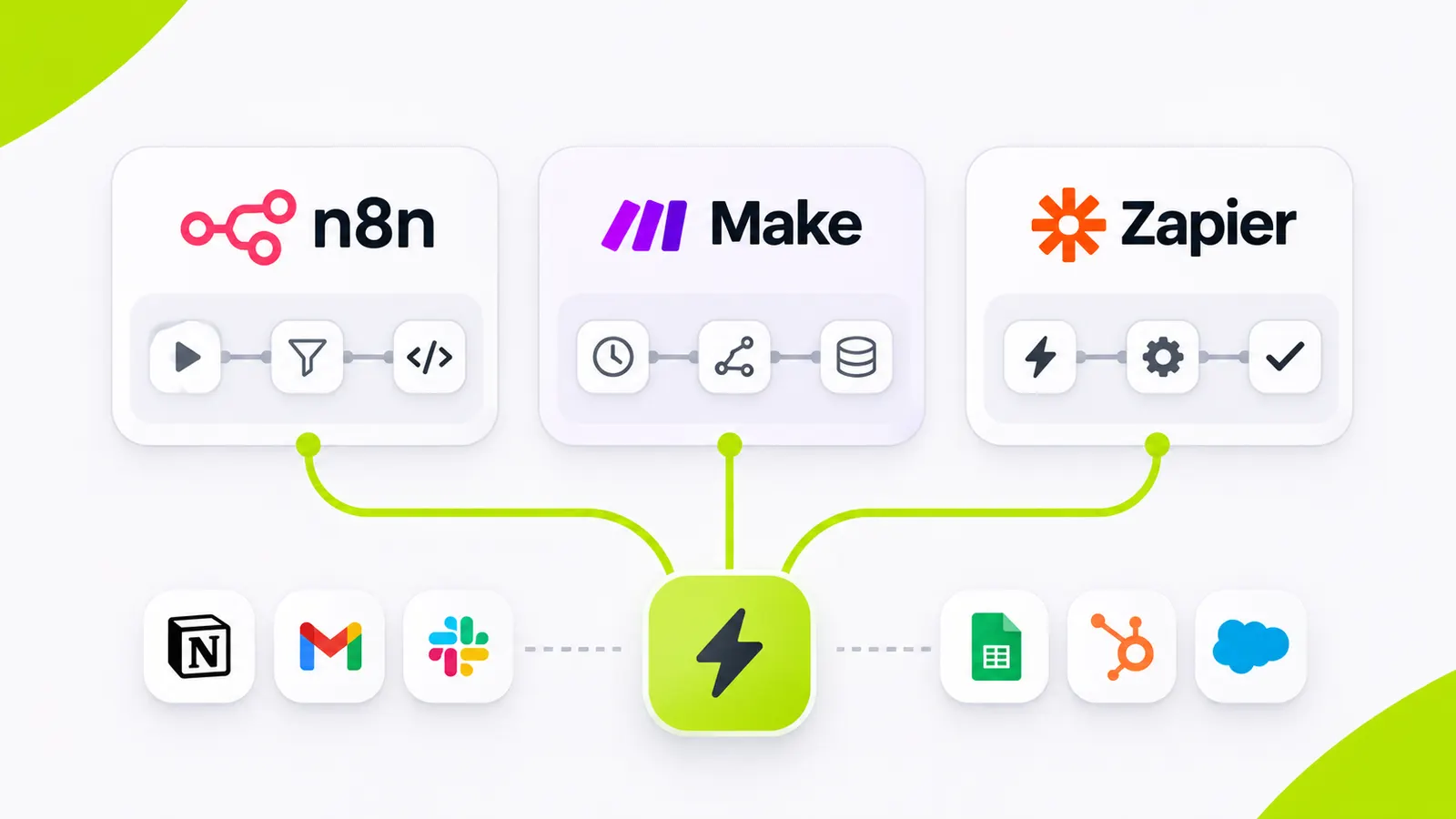
A lead arrives at 4:58 p.m. The CRM should create a record, identify the territory, notify the right salesperson, and prepare a follow-up. You could build this in n8n, Make, or Zapier. The diagram may look almost identical. The experience of owning it six months later may not.
Quick answer
Zapier is often best when ease of setup and a broad app catalog matter most. Make suits teams that want a visual builder with flexible branching. n8n is attractive when you need deeper technical control, complex logic, or self-hosting. The right choice is the tool your team can run reliably at your real volume and risk level.
Begin with the workflow, not the vendor
Before comparing plans, write down the real process. For a sales inquiry flow, note the trigger, data fields, possible duplicates, assignment rules, CRM permissions, message templates, and exceptions. What happens if the CRM is down? What if the lead already exists? Who gets alerted when a run fails?
A two-step notification is different from a revenue-critical process with approvals and customer data. In the first case, speed of setup may win. In the second, logging, retries, access control, and ownership matter more than a low entry price.
Compare the economics correctly
These platforms meter usage differently, and plans change. n8n Cloud focuses on workflow executions. Others may bill by operations or tasks. A multi-step run can cost different amounts across vendors. Do not compare plan names alone. Model your workload.
Estimate monthly trigger events, average actions per event, retries, error handling, growth, and AI API costs. Add the time your team spends debugging. Self-hosting is not free. Infrastructure, upgrades, backups, and security still belong in the budget.
| Criteria | Zapier | Make | n8n |
|---|---|---|---|
| Best first fit | Fast setup, wide app catalog | Visual branching for ops teams | Technical control and self-host options |
| Who builds it | Operators and marketers | Ops and automation specialists | Developers and technical ops |
| How usage is typically metered | Tasks (plan details change over time) | Operations (plan details change over time) | Executions on cloud, or your own infra if self-hosted |
| Hosting | Vendor-hosted | Vendor-hosted | Cloud or self-hosted |
| Watch-outs | Cost at high step volume | Complex scenarios need discipline | Licensing if customers configure workflows |
Building this for your team? Send Insiyon a short request · Talk to Insiyon about automation
Think about control and licensing
A technical team may prefer n8n for deeper control over logic, data paths, and deployment. Check licensing before you embed an automation engine inside a commercial SaaS product. n8n guidance distinguishes internal use from cases where external customers create or configure workflows. Those cases may need commercial licensing.
Make and Zapier work well when operators need to build automations without managing infrastructure. The tradeoff is usually less control over the runtime and how operations are metered.
- Low-risk routing
- Platform OK
- Core pricing logic
- Keep in product
- Self-host overhead
- Budget it
Notifications and simple CRM updates.
Do not bury entitlements in a fragile zap chain.
Upgrades, backups, and security still cost time.
Bars show relative emphasis, not measured scores.
When should you build a custom integration instead?
If a workflow handles sensitive financial actions, complex entitlements, or mission-critical data sync, a direct API integration can be more predictable than a long chain of visual automations. You can still use an automation platform for low-risk routing while keeping important business rules in your own application.
At Insiyon, we start with three questions: who owns this workflow, how often will it run, and what happens when it fails? Once those are clear, platform selection gets easier.
How Insiyon approaches this in practice
A typical Insiyon engagement does not start by picking n8n, Make, or Zapier. We map one revenue workflow end to end, often lead intake into Insicore CRM: form or email capture, duplicate checks, territory rules, owner assignment, and a failure alert. Low-risk steps may stay on an automation platform. Rules that affect pricing, permissions, or customer records stay inside the product API.
That mix keeps operators fast without putting core CRM logic inside a fragile multi-step zap. If you already sell under your own brand, the same pattern can sit on a white-label Insicore workspace so your team owns the customer relationship while Insiyon maintains the platform.
A simple five-factor scorecard
Take one representative workflow and score each platform from one to five on setup speed, maintainability, cost at forecast volume, security needs, and technical flexibility. Weight each factor by importance. A two-person ops team may care most about setup. A software company embedding automation may care more about control and licensing.
Run the same workflow in a sandbox before you commit. Create a lead, simulate a duplicate, block the CRM API, and replay the event. Note how clearly the platform shows errors and how safely it retries. That test reveals more than a feature comparison page.
The goal is not a fashionable tool. It is a system your team can own when the original builder is not available.
Next step with Insiyon
Bring one workflow, the tools it touches, and its monthly volume to an Insiyon automation review. We will show whether Zapier-style automation, an Insicore CRM path, or a custom integration fits best.